Featured FAQ - Do You Offer Loaner Monitors at Desk606?
Two Screens, Twice the AI Power: Free Loaner Monitors at Desk606
"I noticed Desk606 has monitors for use. I would like to use a second computer monitor. How do I reserve one, and is there a fee?"
We got this question today, and it's a good one. It's also a good excuse to talk about why a second screen matters more than ever.
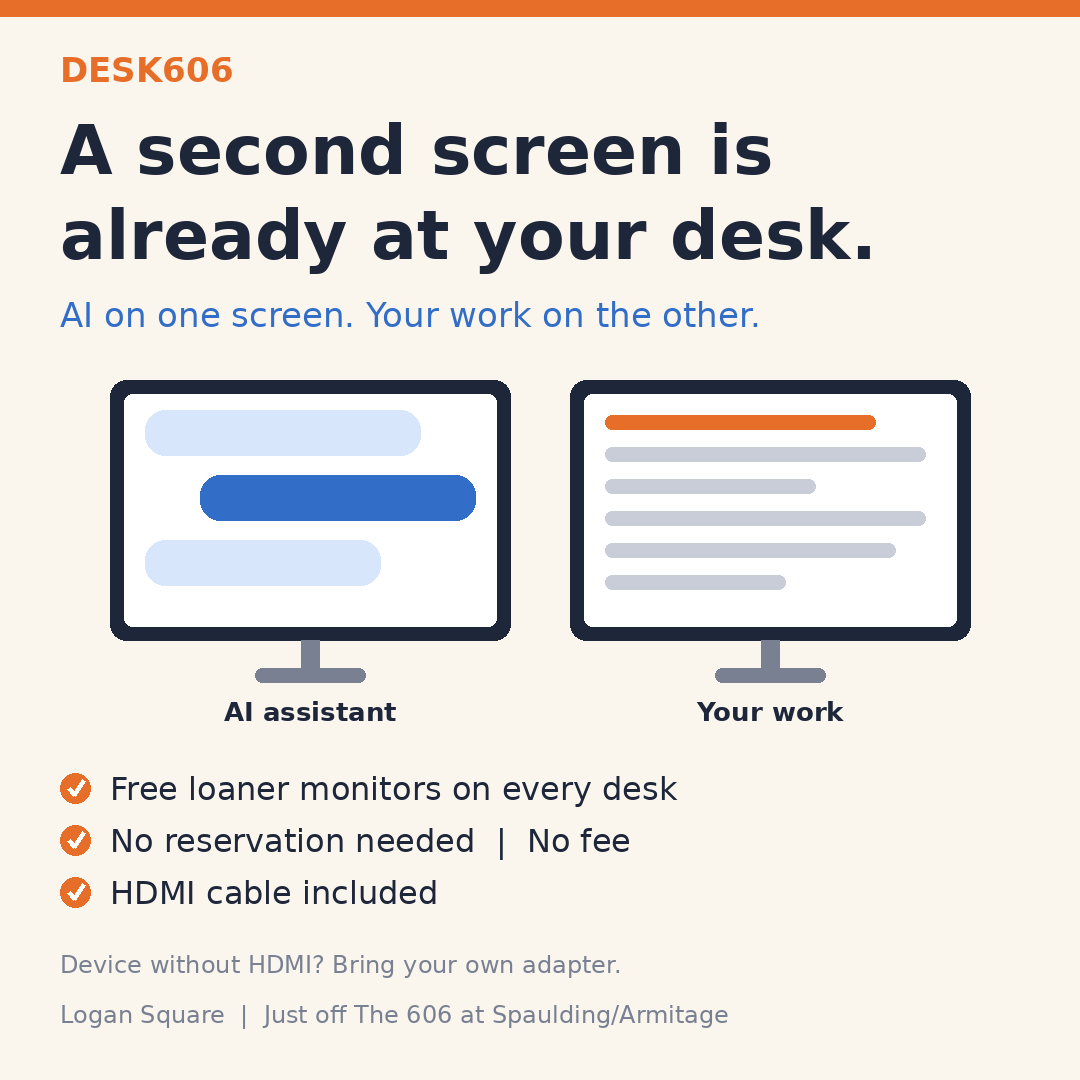
If you're working with AI tools like Claude, ChatGPT, or Copilot, you know the rhythm: you prompt, review, refine, and paste. A second monitor lets the AI assistant live on one screen while your document, code, spreadsheet, or design lives on the other. No more flipping between tabs, and it's much easier to compare drafts, check outputs, and keep your train of thought.
At this stage of our growth, we want to keep things simple and flexible. Here's how it works:
- Monitors are already at the desks. Loaner monitors are set up on each desk for daily use. No reservation is needed, and there's no fee.
- Bring the right connection. Each monitor has an HDMI cable. If your device doesn't support HDMI, please bring the compatible dongle or adapter.
- Tell us if something's off. We add monitors as needed. If one isn't working properly, let us know and we'll recycle it and replace it with a new one.
That's it. Sit down, plug in, and put your AI-assisted workflow to work.
Fall is a great time to check out the space. Desk606 is just off The Bloomingdale Trail (The 606) in Logan Square, at Spaulding/Armitage. Walk or bike over and take a look.
Hope to see you soon!
The Desk606 Team